Hubdoc mobile app rebuild.
An app rated 1.7 on Android and 2.2 on iOS, rebuilt to do one thing: capture a document in three taps. Its camera now runs in every Xero mobile app.
MY ROLE
Lead product designer
PLATFORM
iOS (Swift) · Android (Kotlin)
SHIPPED
Apr 2023
MARKETS
AU · CA · UK · US
- Decided: Capture only, in three taps.
- What happened: It worked. Store rating up to 4.0, and uploads up by more than half.
- Decided: Take folders and tags out.
- What happened: Half right. Tags came back later, on the document instead of in the menu.
- Decided: Get the camera right.
- What happened: It paid off. It’s now the camera in every Xero mobile app.
The problem
The app was rated 1.7 on Android and 2.2 on iOS. The team wanted to rebuild everything the web app did.
But research showed the people using it were small businesses who needed to upload on the go.
Decision 1 · Scope
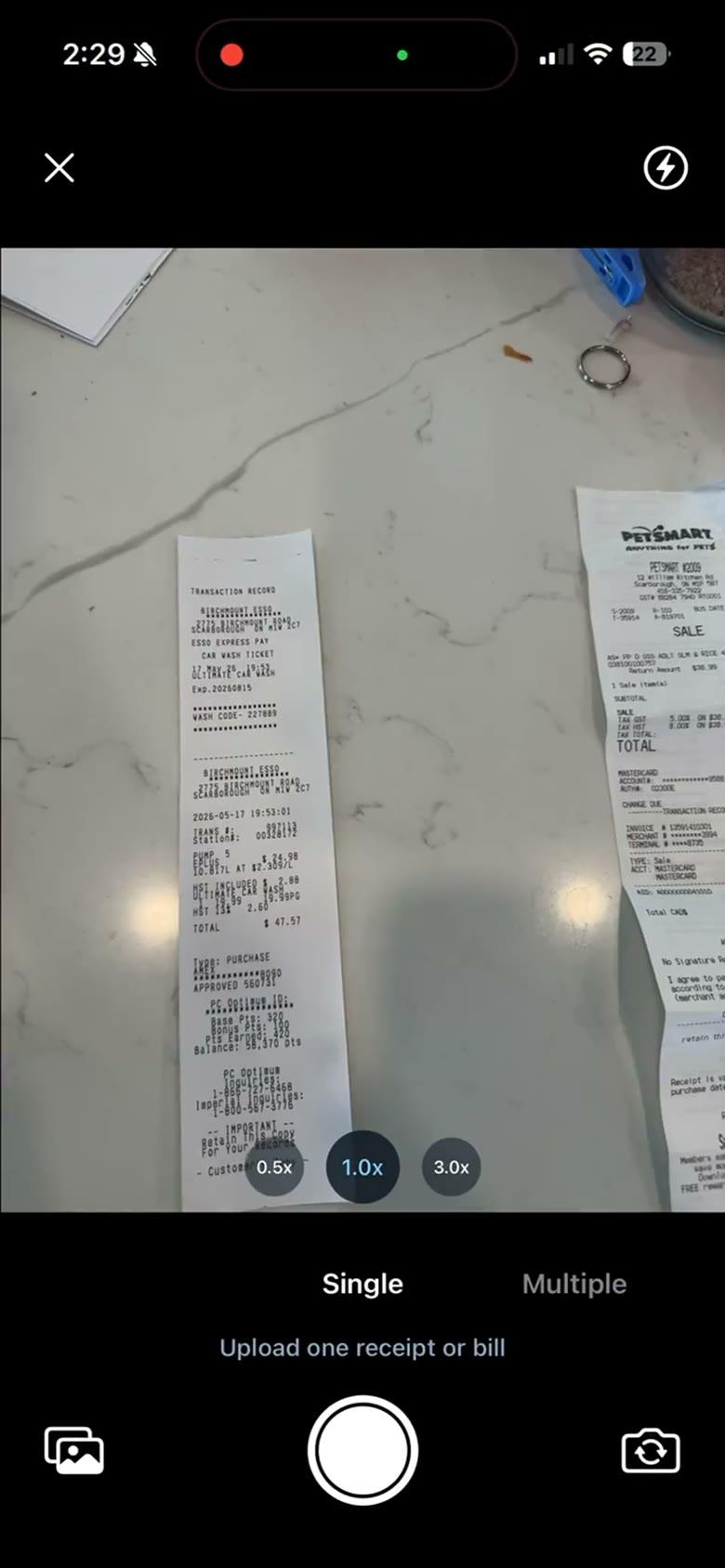
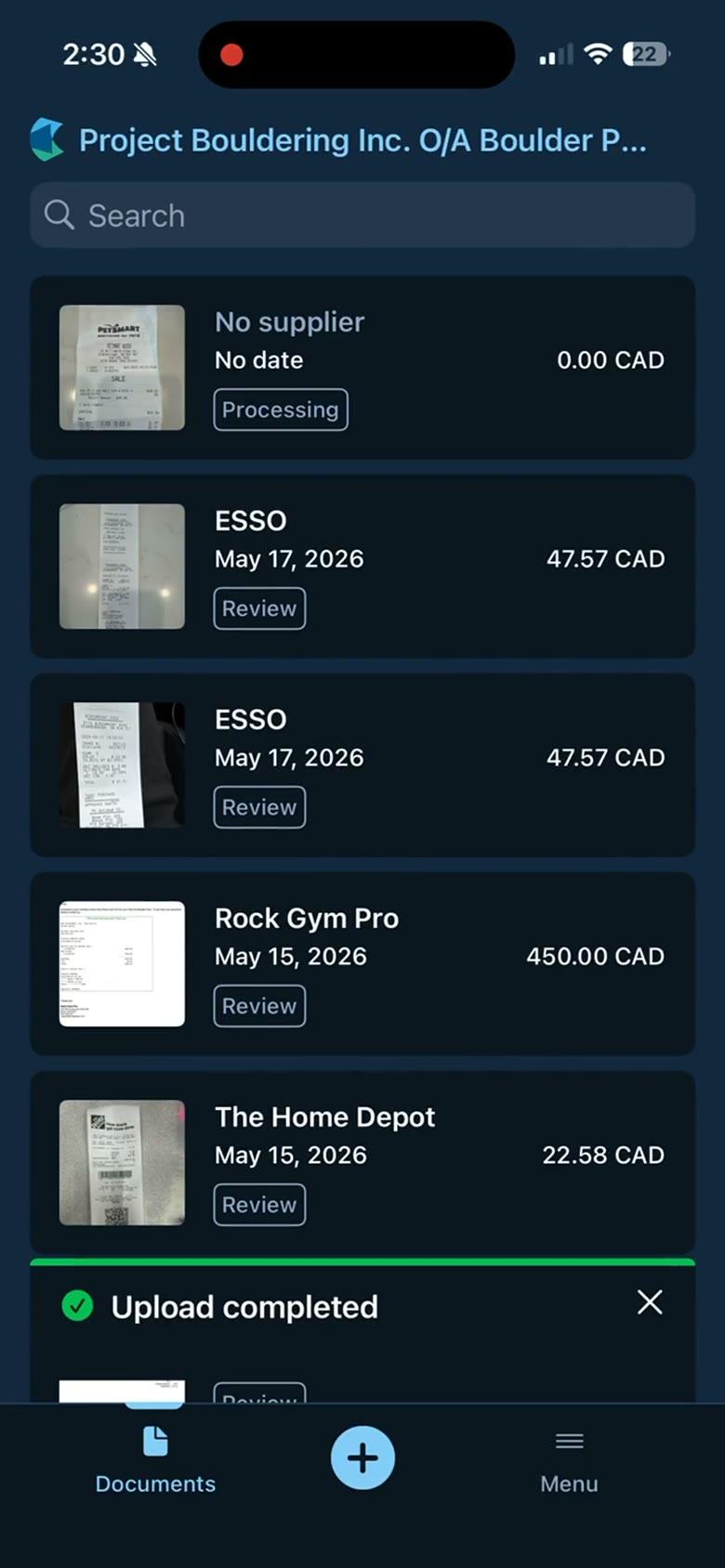
Capture only, in three taps. I proposed cutting everything else from the first version.
Folders, tags and anything else that wasn't capture came out. We shipped it in April 2023 on iOS and Android.
After launch
The store rating went up to 4.0, and monthly uploads grew by more than half. Xero's File Inbox later took the same capture-only approach on mobile.
Decision 2 · What to cut
Folders and tags came out. Tags came back, in a different place.
Cutting them kept V1 to capture. But people still needed tags and notes, so removing them for good was wrong.
November 2023 · V2
Tags and notes returned on the document itself, not in the nav. V2 also added capturing several pages at once.
Decision 3 · The camera
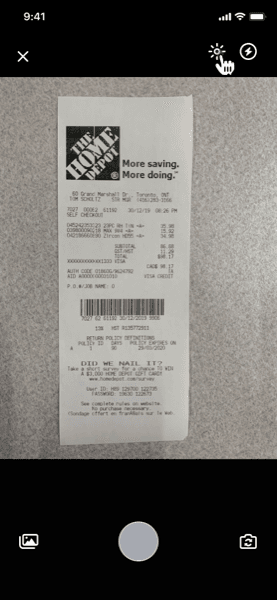
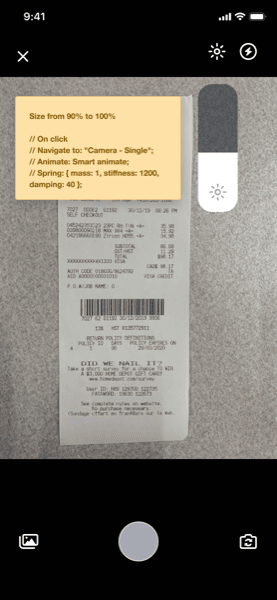
Get the camera right. With capture as the whole app, the camera was the product.
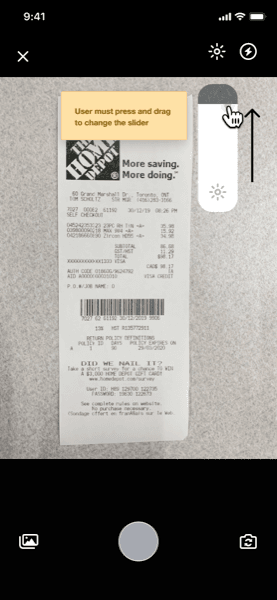
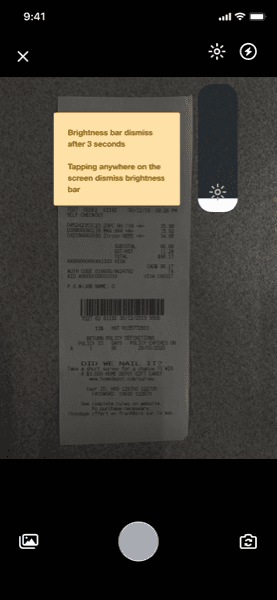
In the months after launch we added zoom, brightness and crop. We also removed the upload confirmation step, the most requested fix in support conversations.
2024
The camera was pulled out as a shared module. Every Xero mobile app now uses the same capture, image handling and permissions.
The work
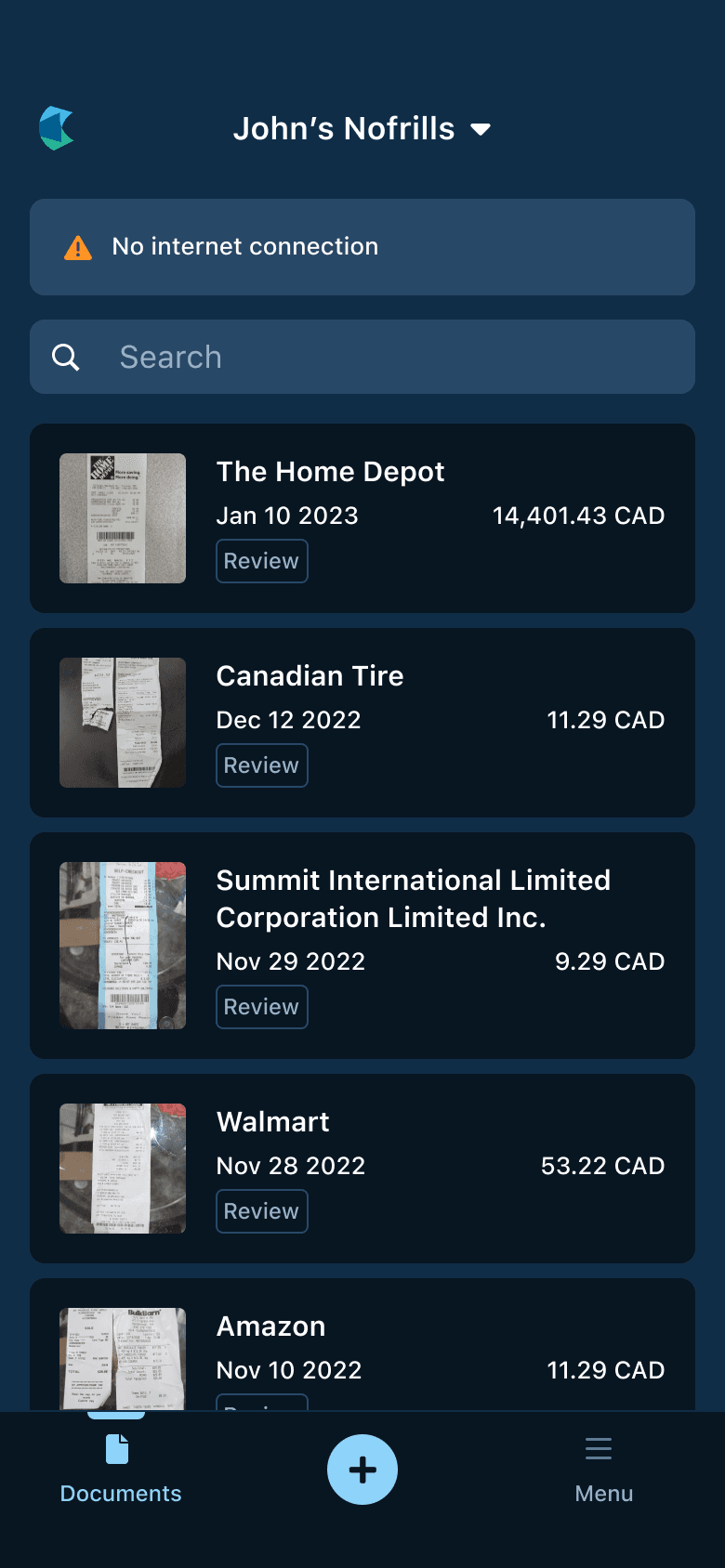
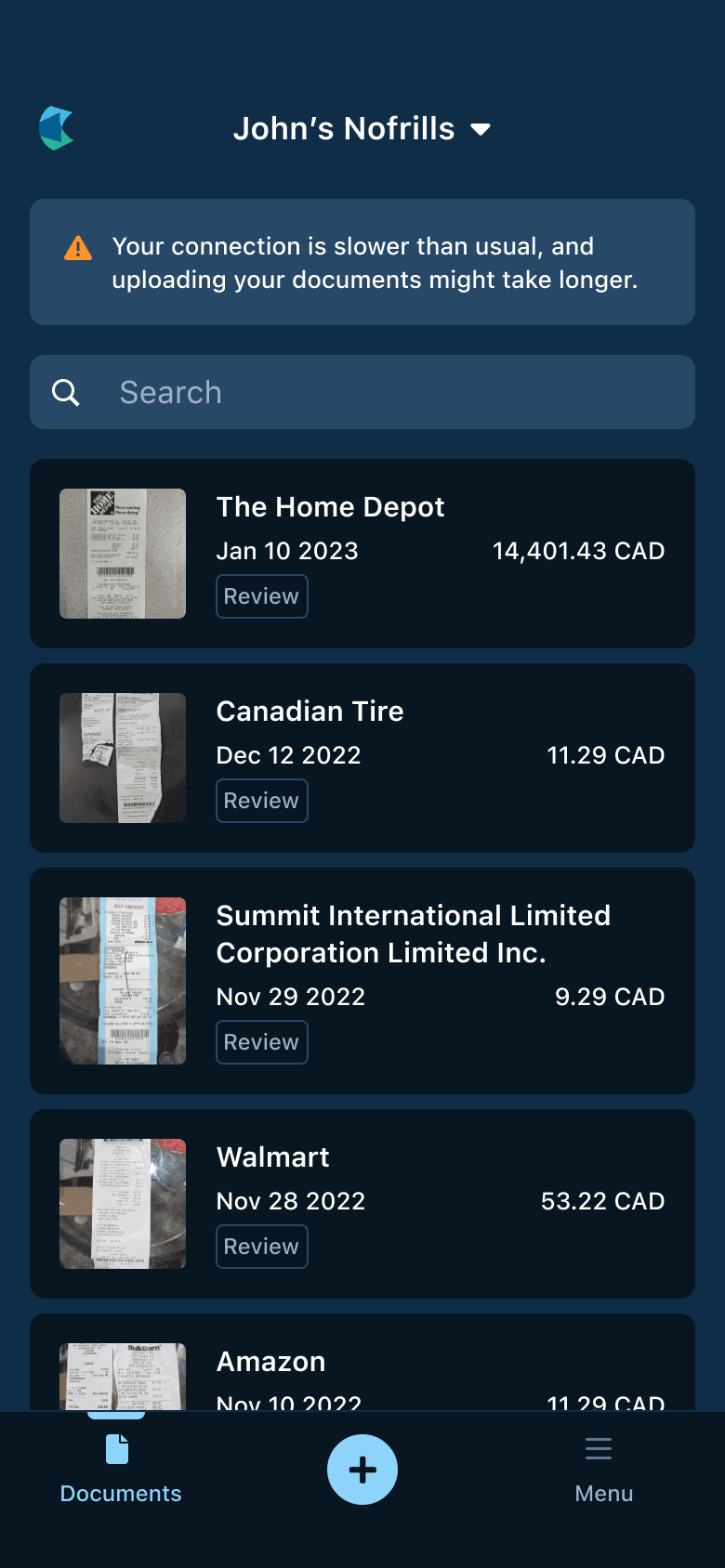
When the connection drops, and other ways in.
Looking back
Cut it from the nav, not from the product.
Removing tags and notes was right for V1 and wrong as a permanent cut. They came back in V2, on the document.
The first small group caught most of the bugs. I’d treat that group as a research channel too, and ask for in-app feedback from V1.